01
Crypto in Swift, protocol in TypeScript
X25519, Ed25519 and ChaCha20-Poly1305 run natively on CryptoKit. Framing, OPACK and pairing stay in TypeScript, where they are easy to read and change.
My TV remote broke, and every remote app I tried on the App Store wanted a subscription, so I built my own. An iPhone remote for Sony BRAVIA (Google TV) and Apple TV, with Home Screen, Lock Screen and Control Center widgets. For Apple TV it speaks Apple's private Companion protocol, documented by the open-source pyatv project.
4 passed · 1 pending · Expo SDK 58 · React Native · Swift
// stack
9 technologies · tap one to see where it runs
Logos: Simple Icons (CC0). Trademarks belong to their owners.
// snapshots
48 / 48 real iPhone screenshots · 8 screens × 3 styles × 2 themes
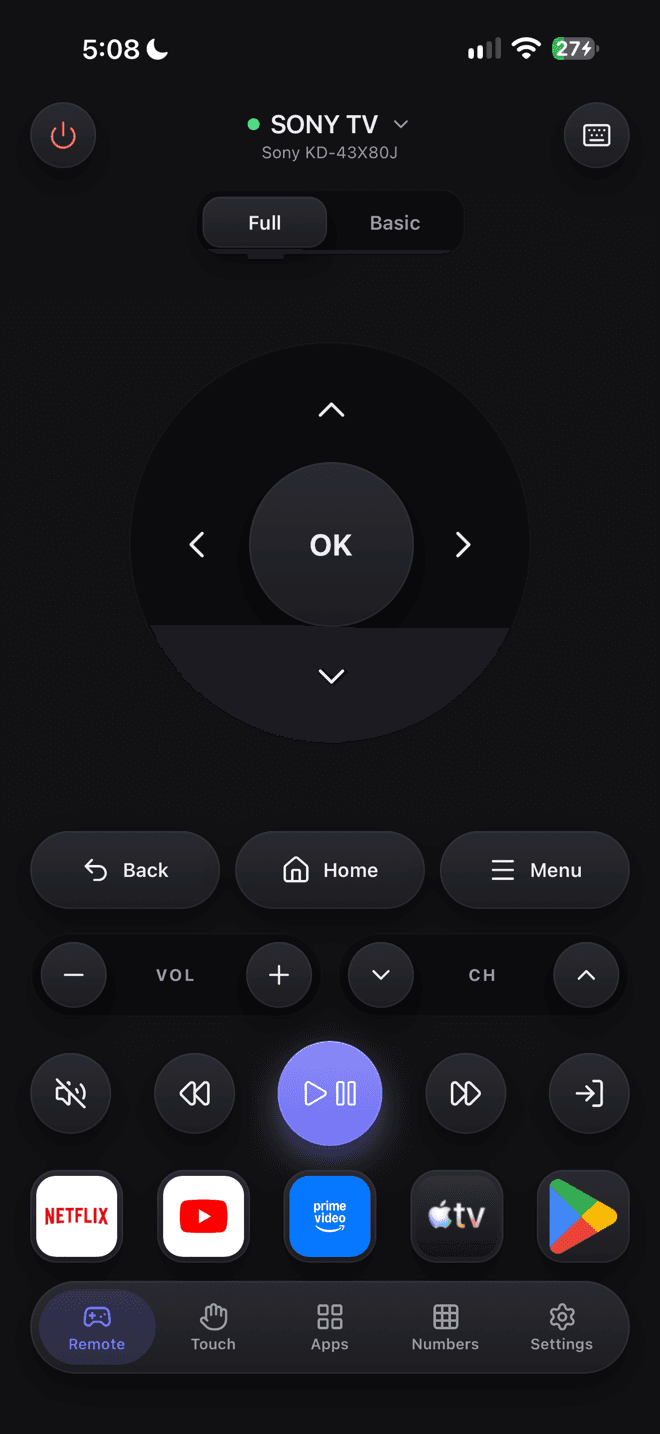
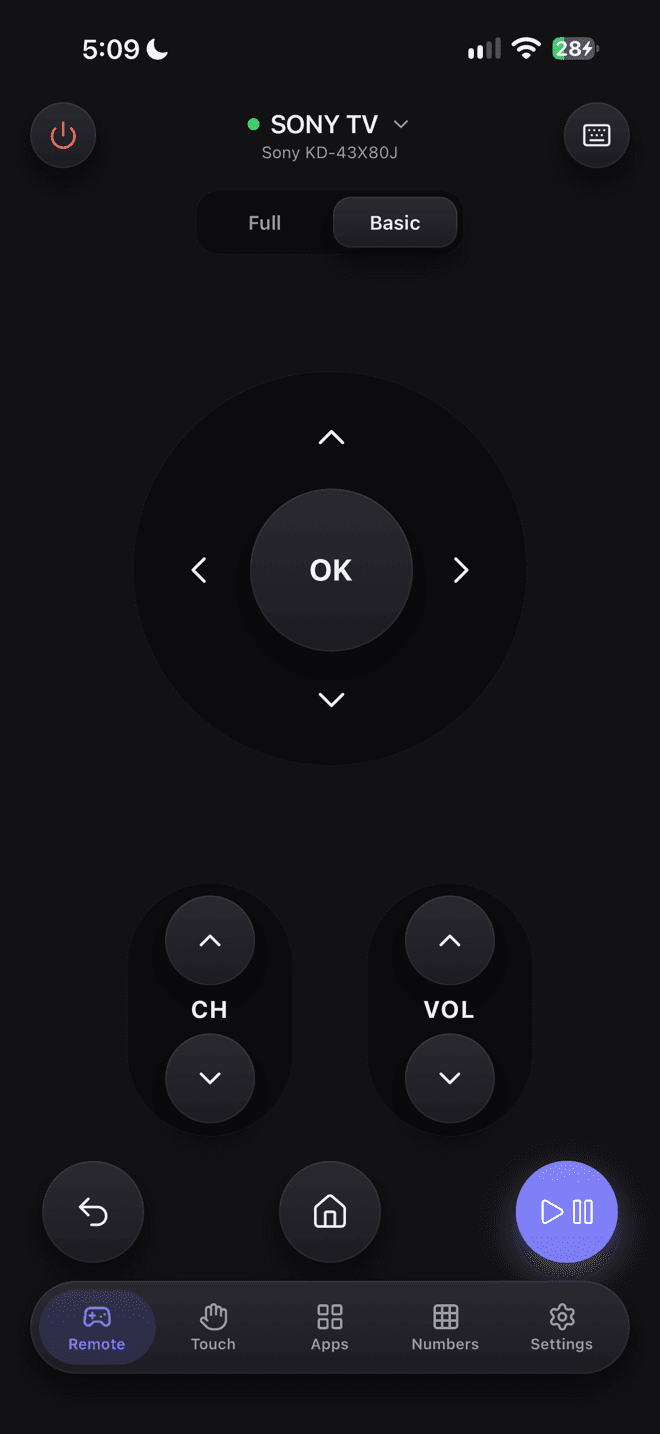
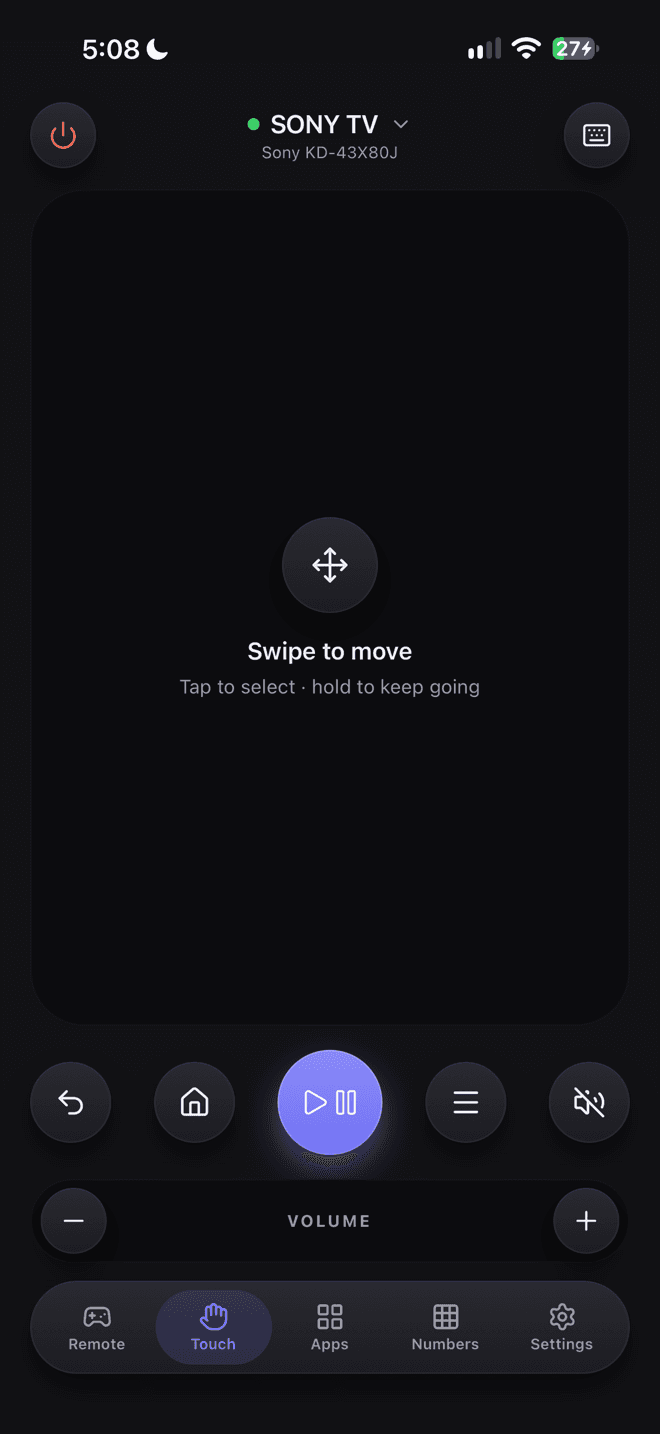
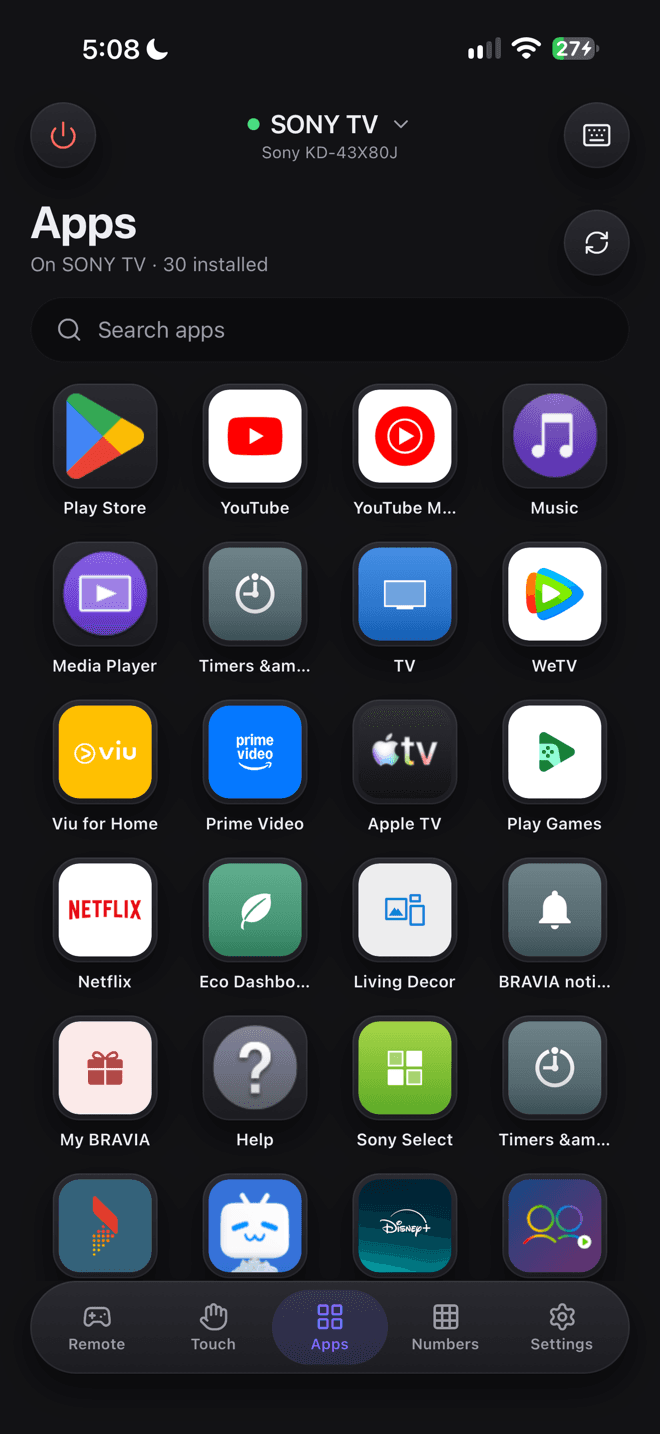
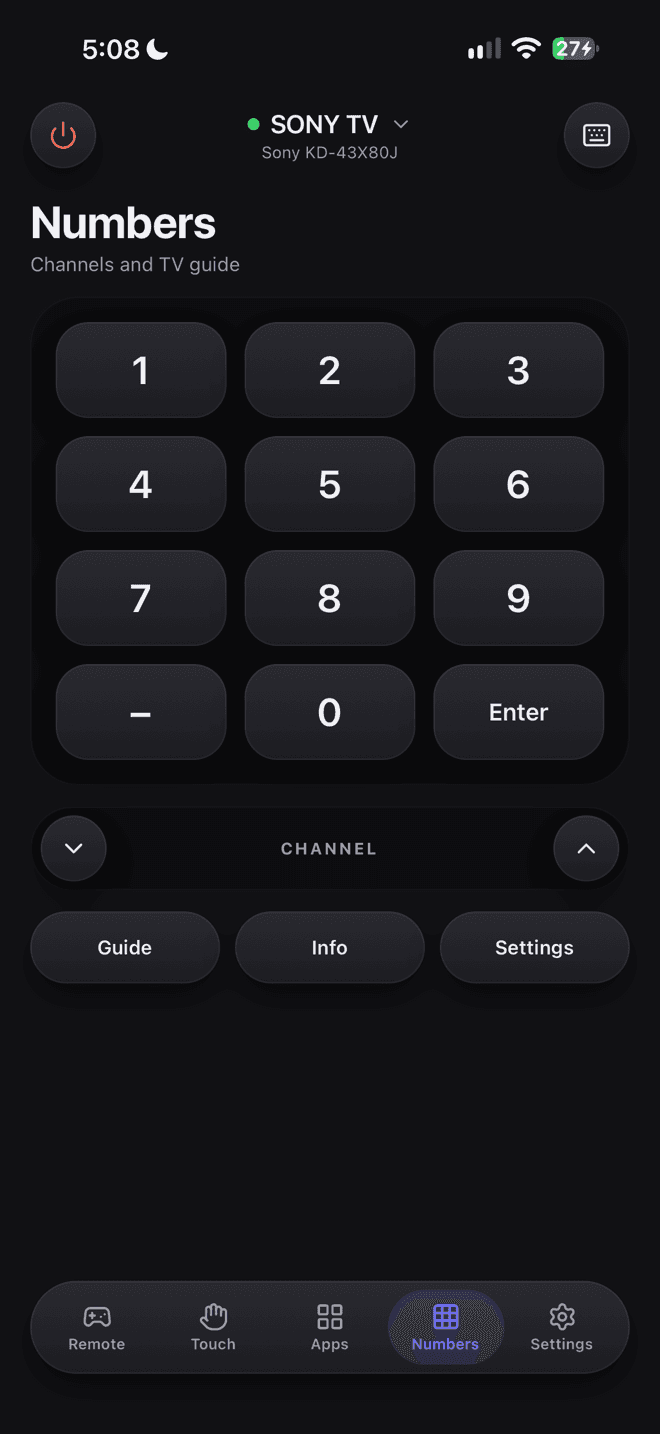
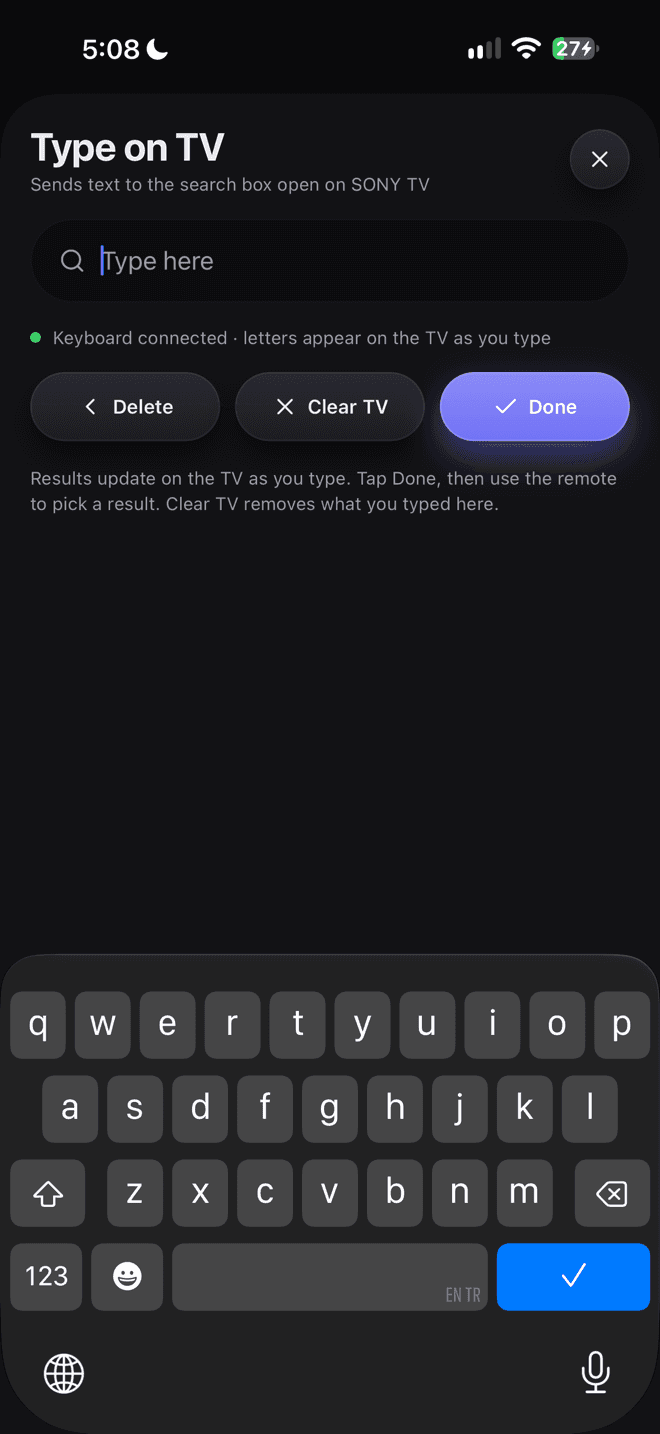
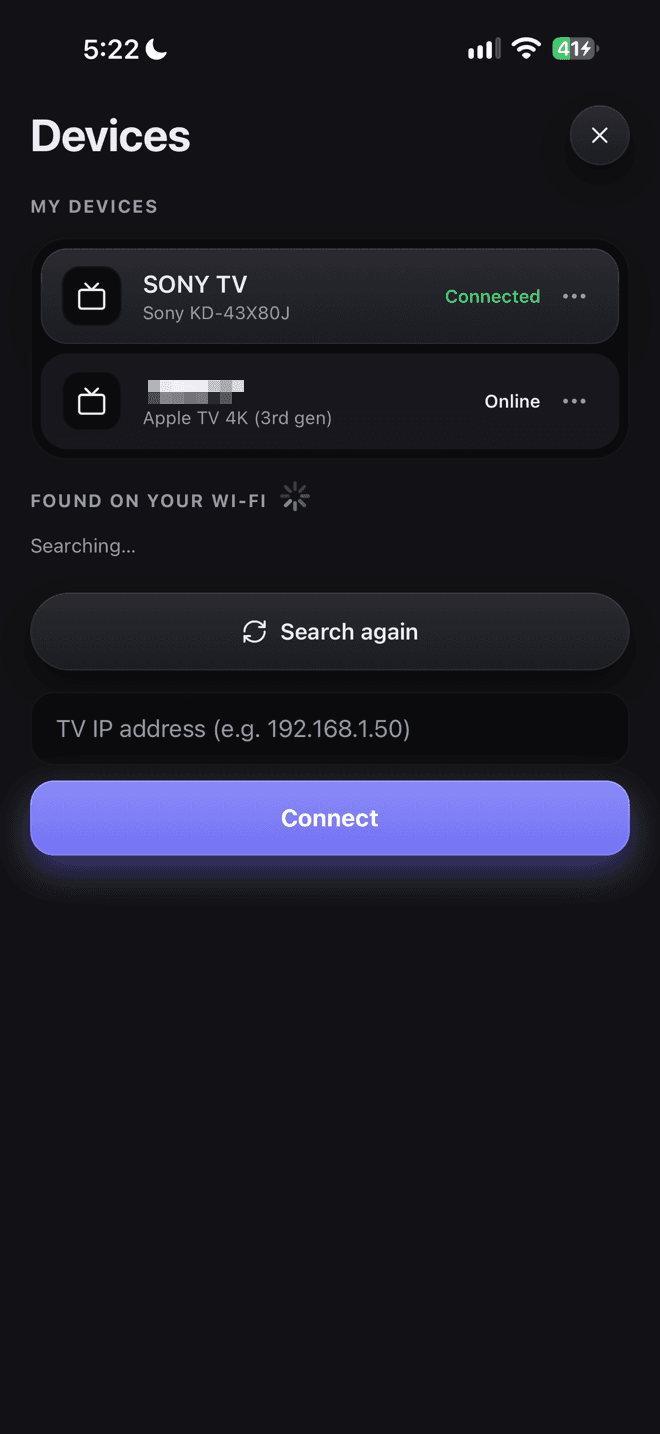
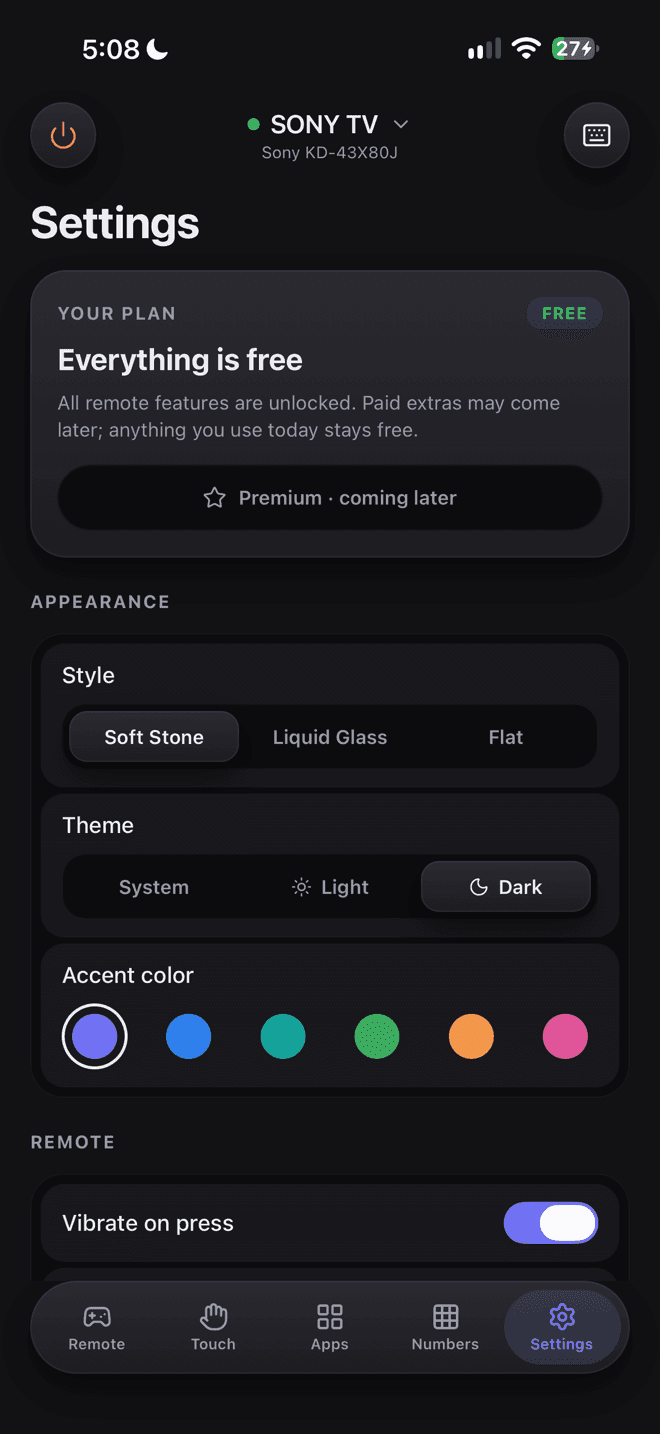
Remote, 1 of 8
// how it works
Every TV plugs in behind one interface. The remote, touchpad, apps and keyboard work the same whichever TV is on the other end.
| TV | Finds it | Pairs | Controls it with | Status |
|---|---|---|---|---|
| Sony BRAVIA | Bonjour, plus a subnet scan | 4-digit PIN on the TV | Sony's REST and IRCC API; Google TV's remote protocol for typing | ✓ working |
| Apple TV | Bonjour (companion-link) | 4-digit PIN over SRP-6a | Companion: an encrypted channel for buttons, apps, typing and the profile switcher | ✓ working |
| Google TV / Android TV | Bonjour | 6-character code | Google TV's remote protocol, already built for typing | ◐ next |
| Roku · Samsung · LG | Wi-Fi | None, or an Allow prompt | Wi-Fi commands; Samsung and LG need a wake-up signal | ○ planned |
// decisions
01
X25519, Ed25519 and ChaCha20-Poly1305 run natively on CryptoKit. Framing, OPACK and pairing stay in TypeScript, where they are easy to read and change.
02
Each brand implements one TVClient. A new brand needs discovery, pairing and control; the tabs, keyboard and device switching work unchanged.
03
The widget redraws only when what it shows changes, the TV search stops after 12 s, and held buttons stop repeating after 20 s.
// checks
queued · 5 checks
// next